Describe it. Deploy it. Run it.
Turn one sentence into a running network or cyber range.
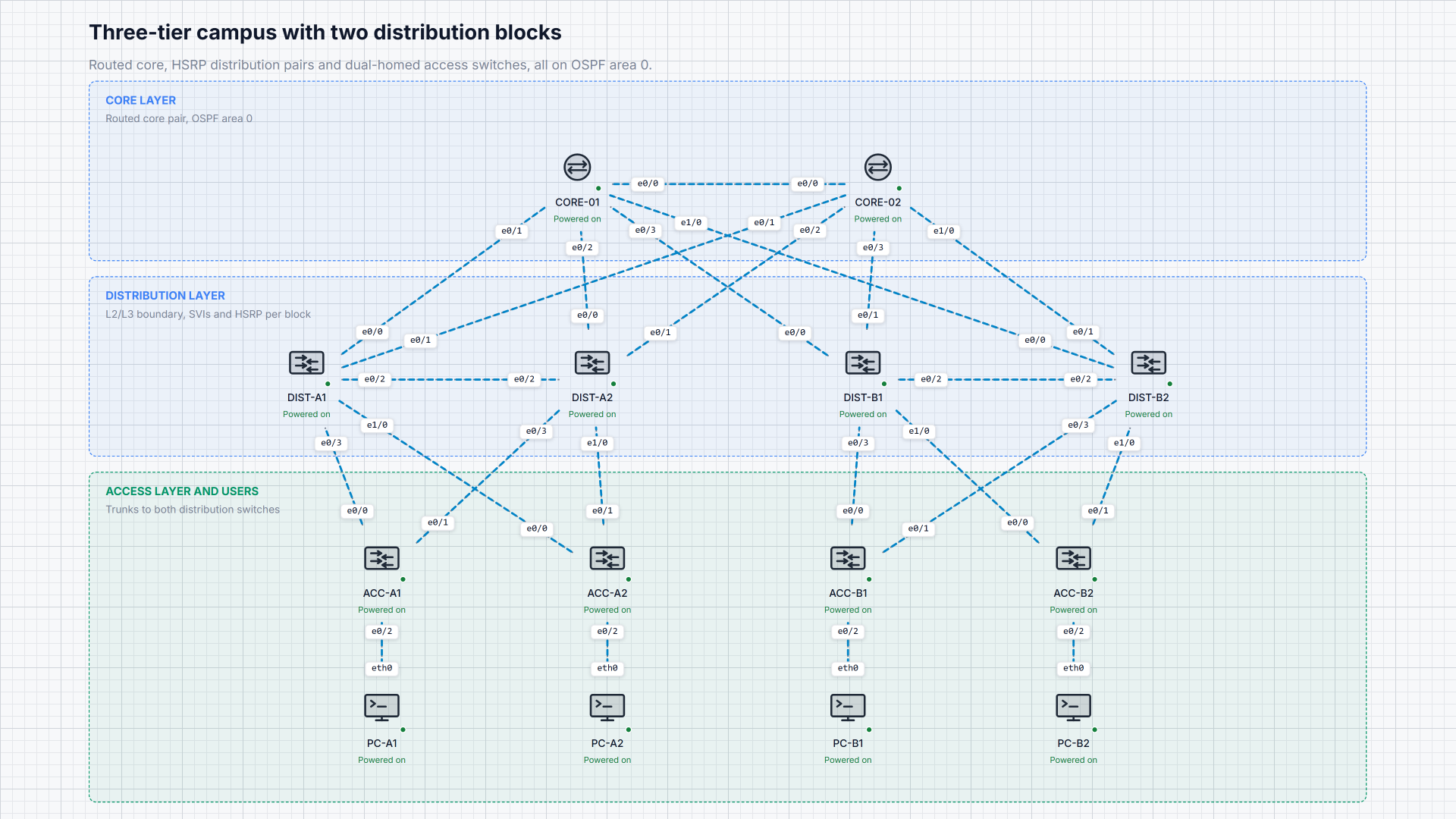
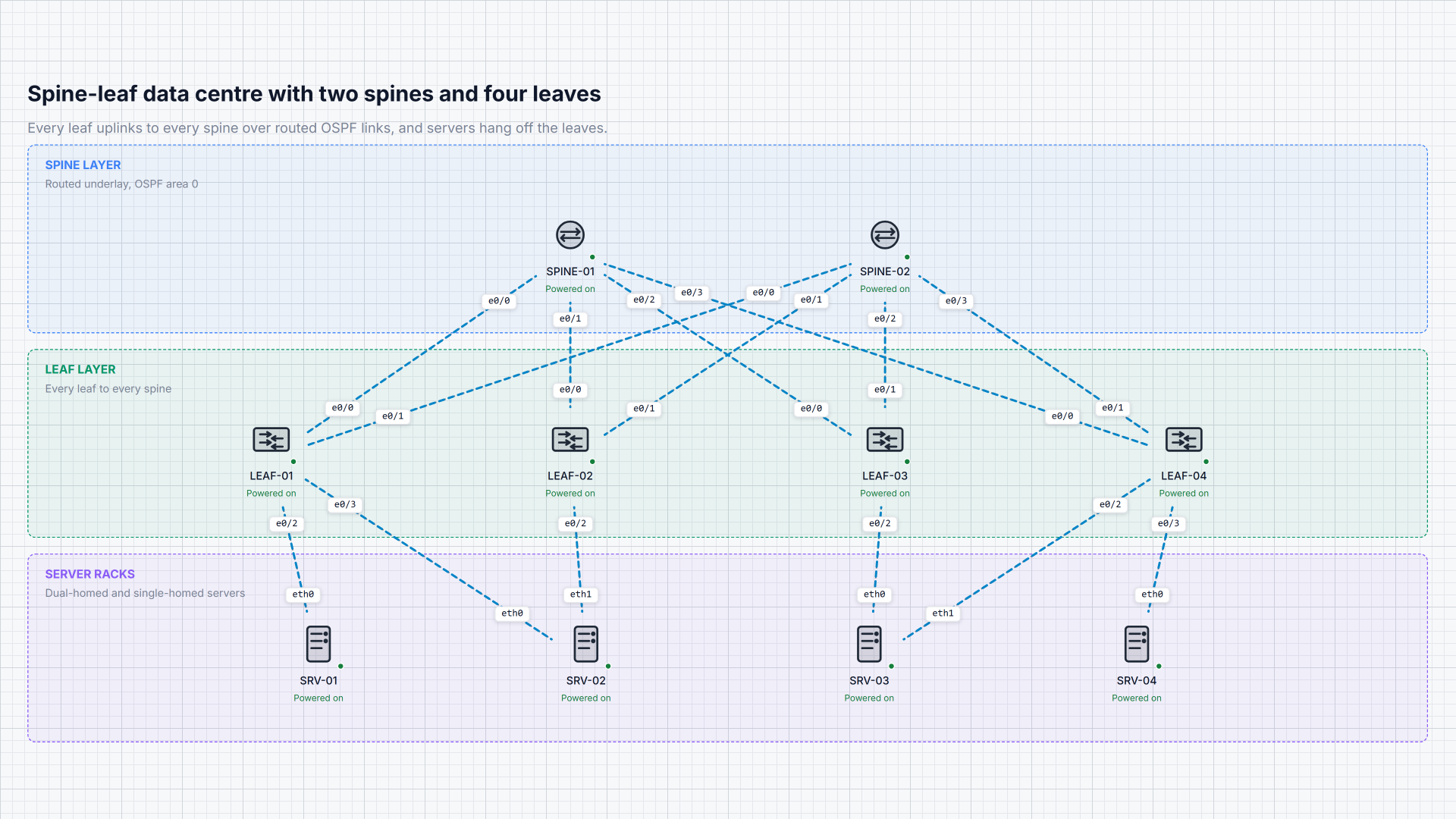
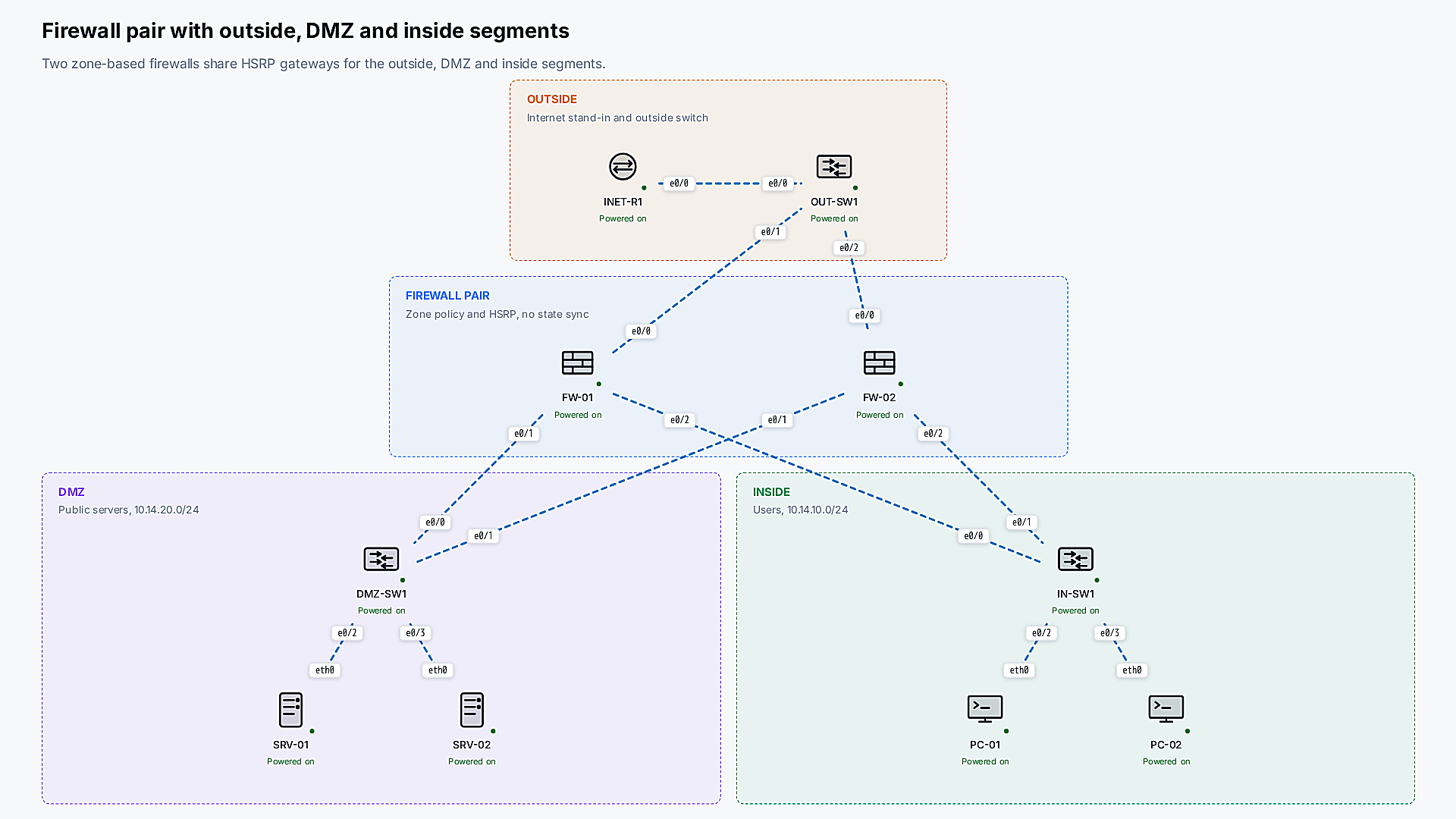
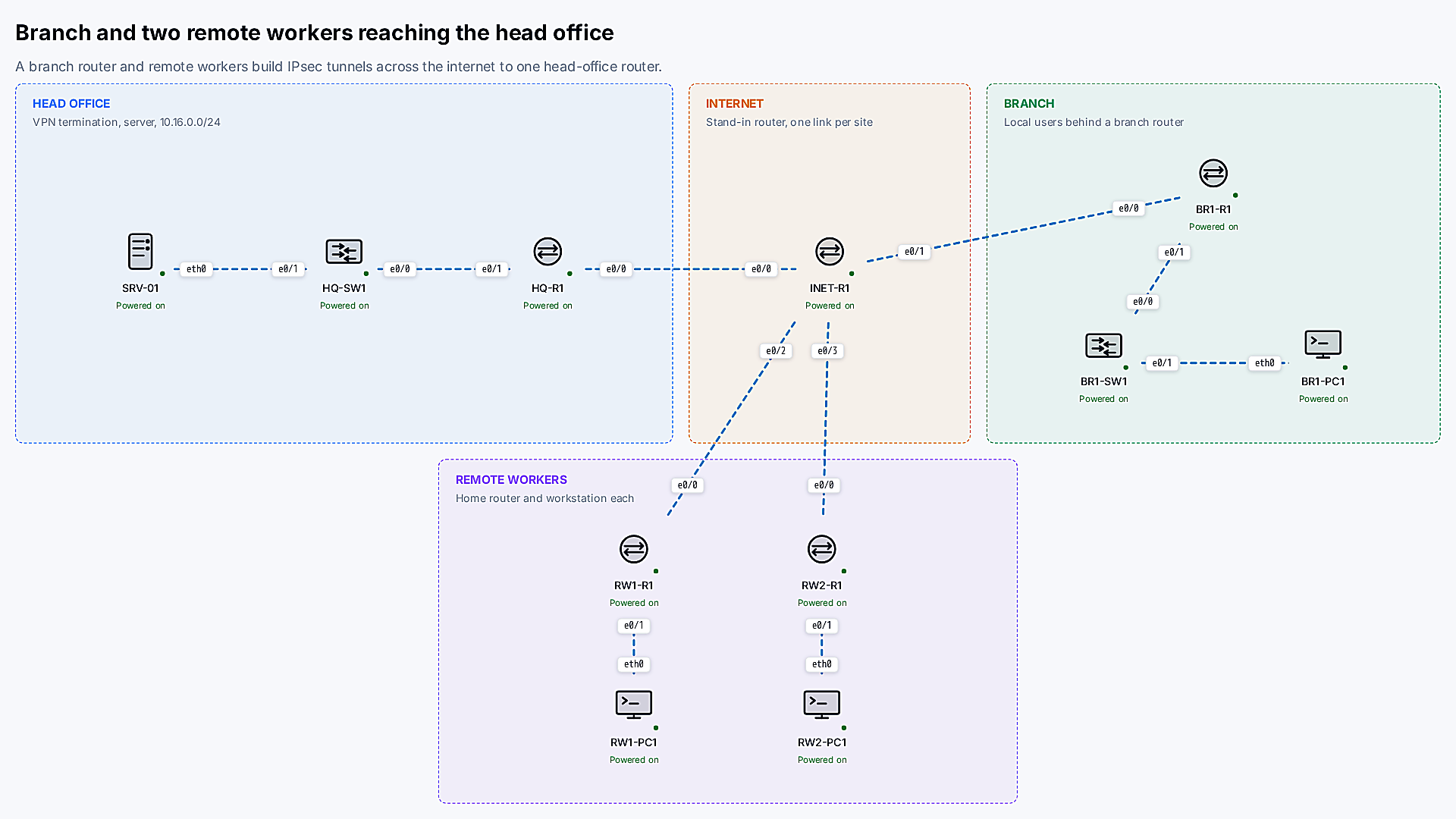
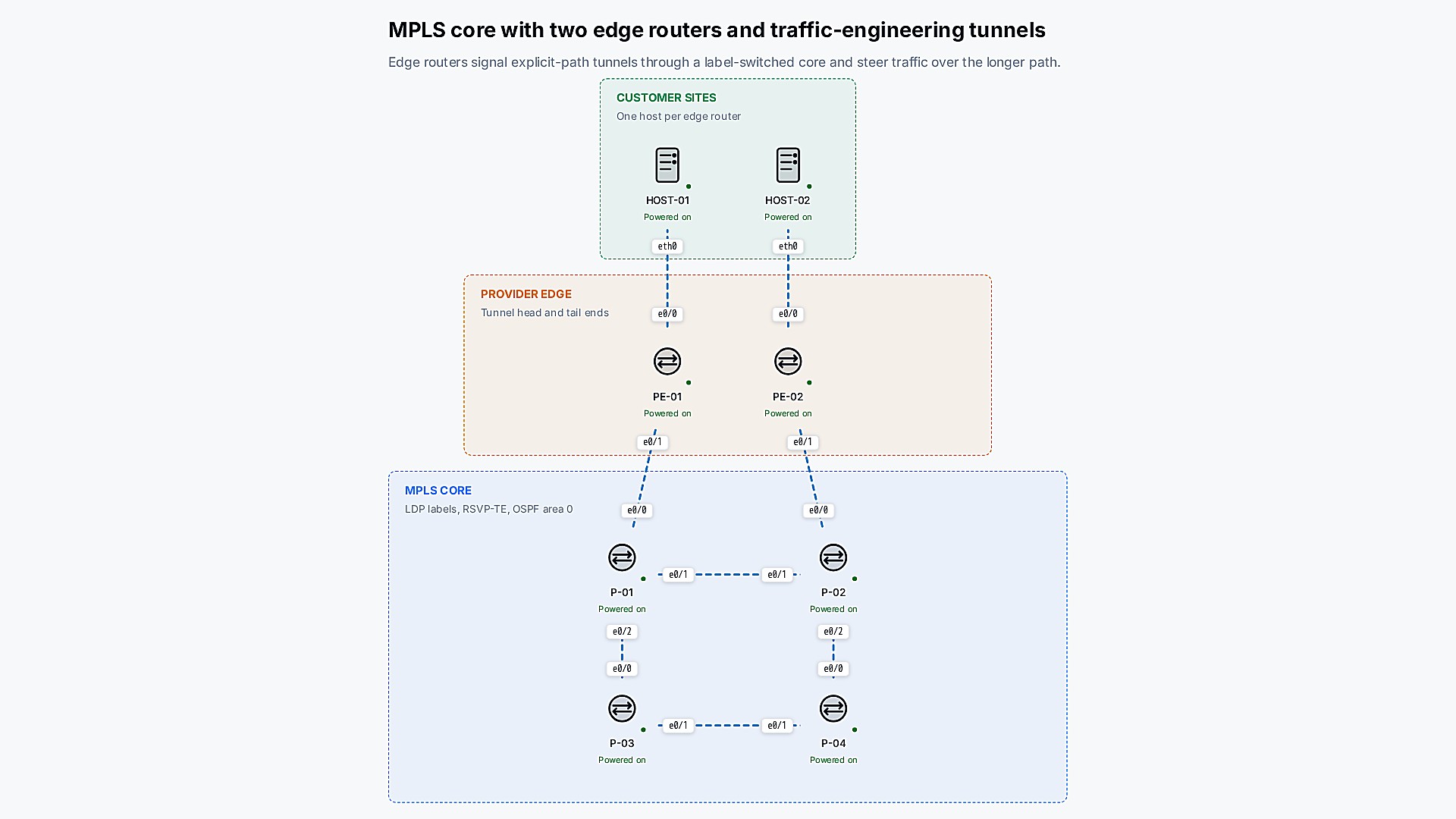
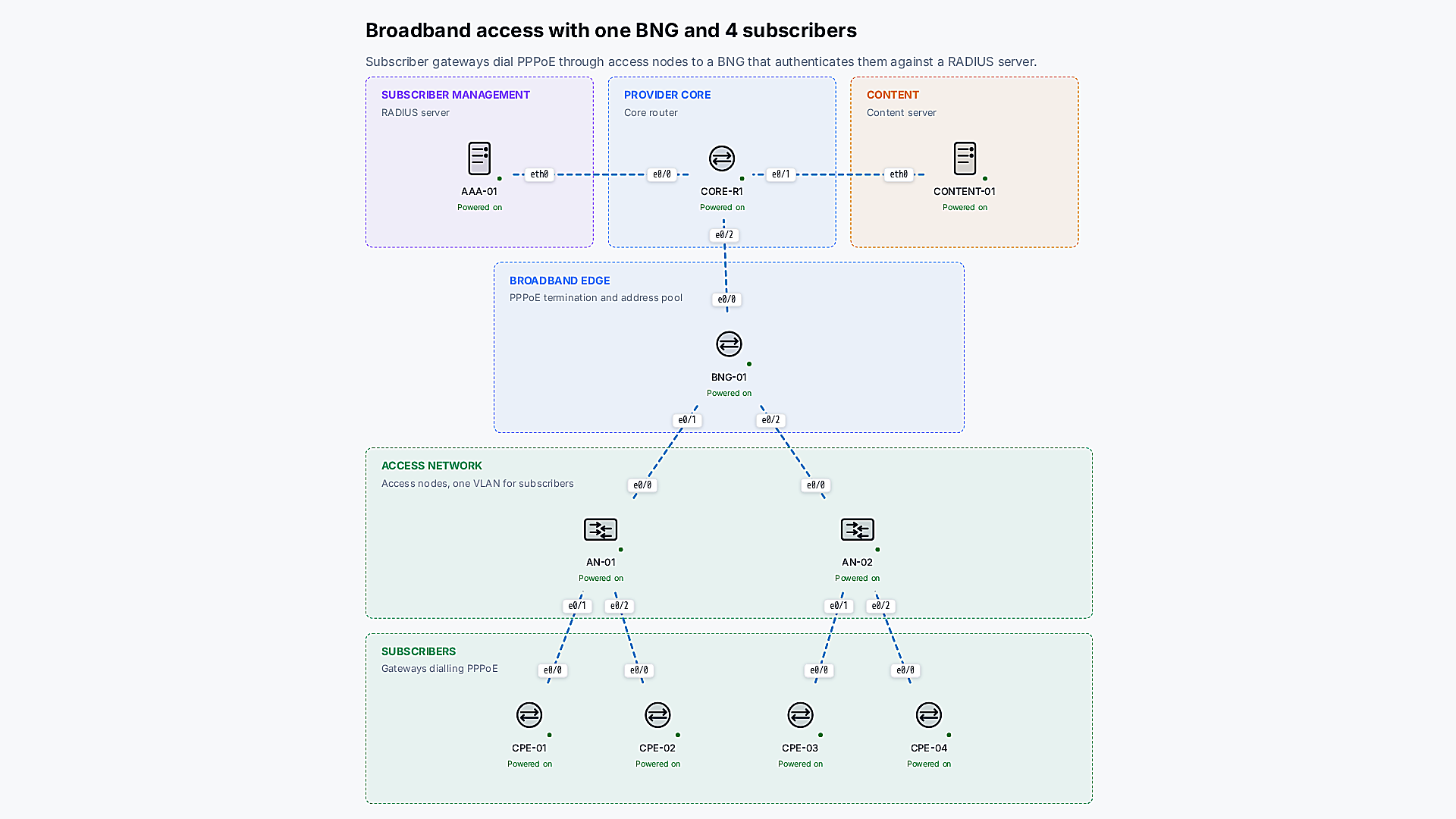
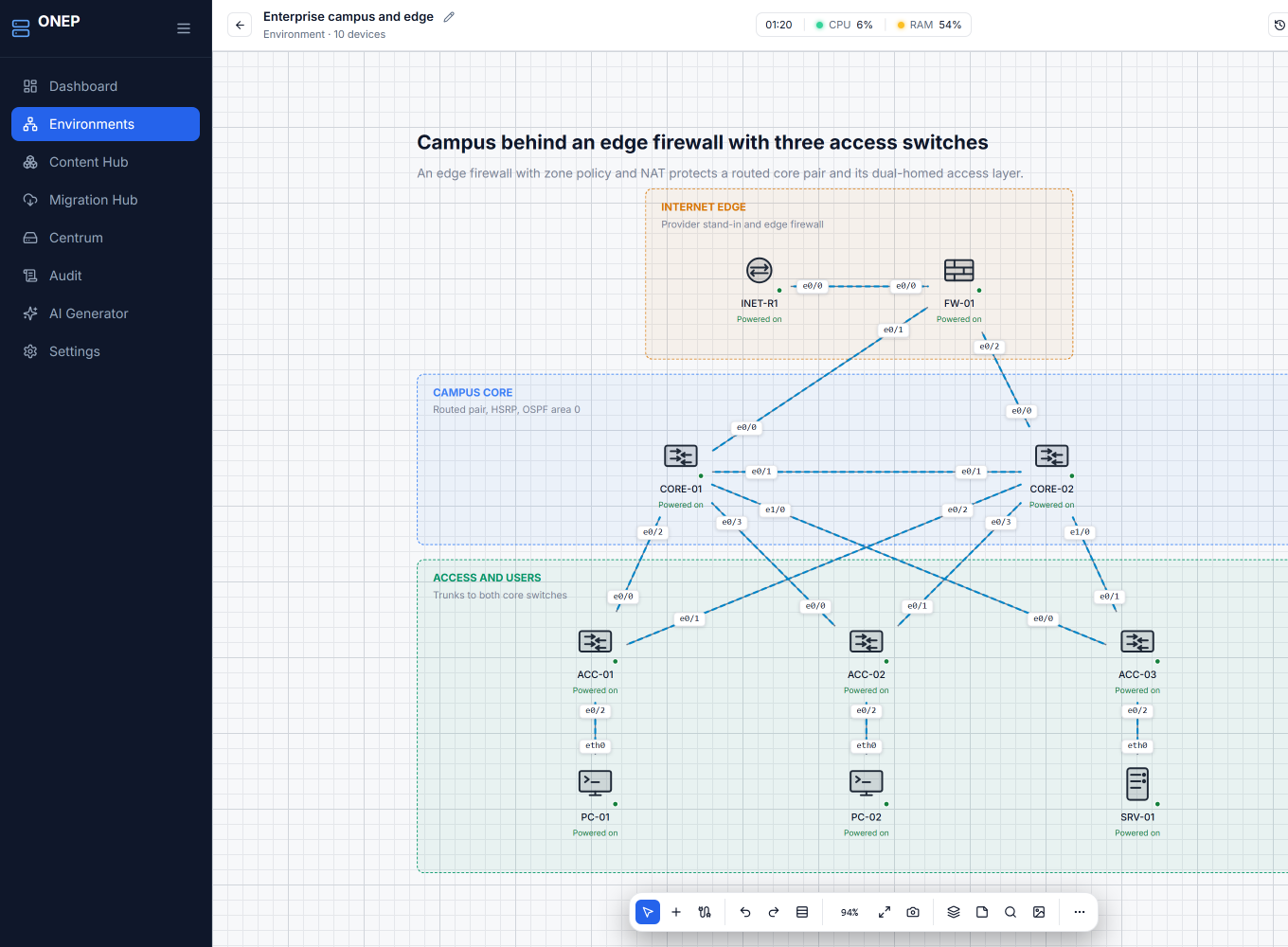
Draw it.
Drag routers, switches, virtual machines, and containers onto the canvas. Connect them, power them on, and open a console.
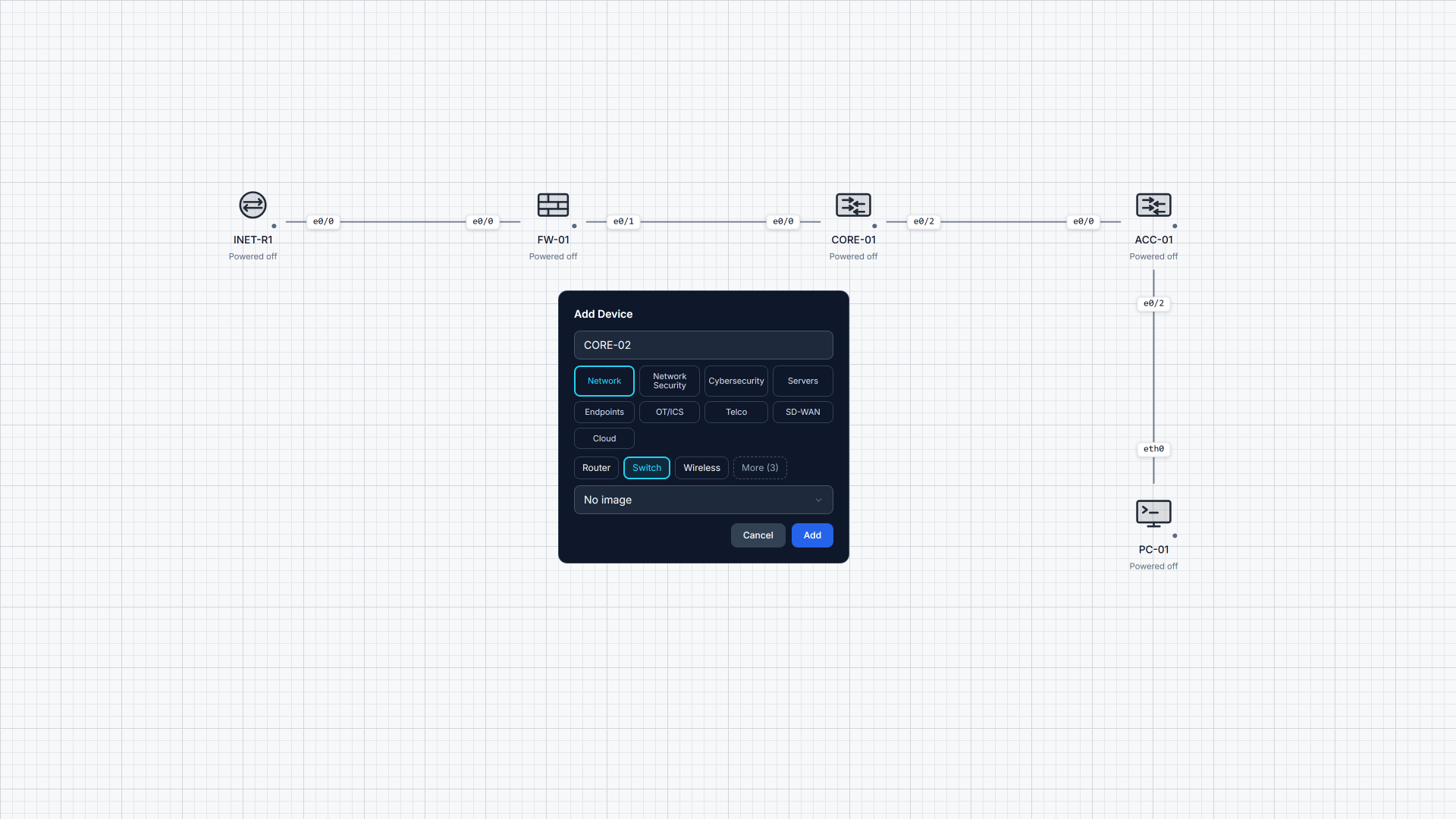
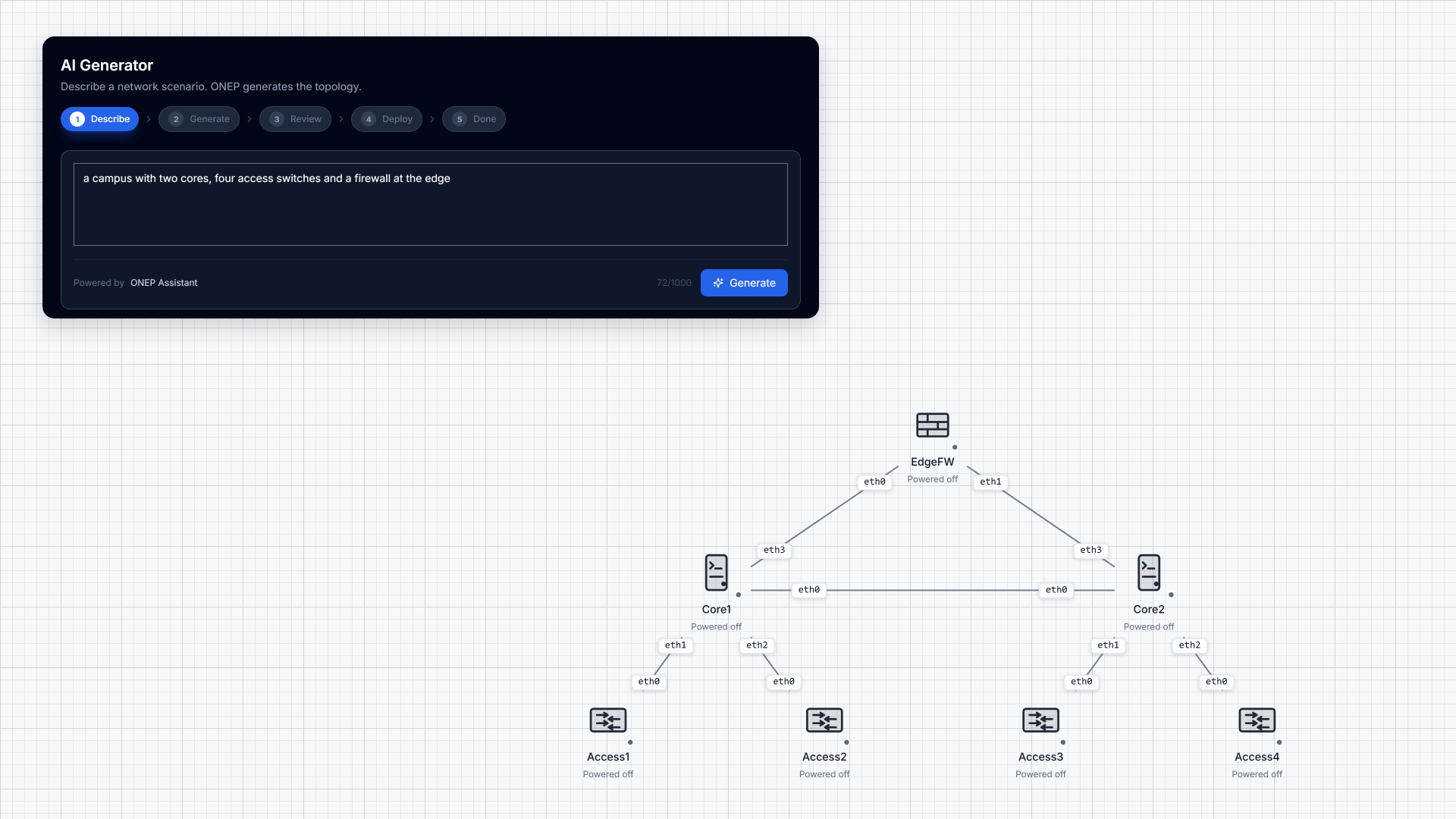
Or describe it.
“A campus with two cores, four access switches and a firewall at the edge.” One sentence is all it takes to get started.
Pick a blueprint. One click.
Active Directory ranges, SOC and network monitoring, ICS and OT, vulnerable web applications, telco cores. Built on your box, sized to fit before anything starts.
Content Hub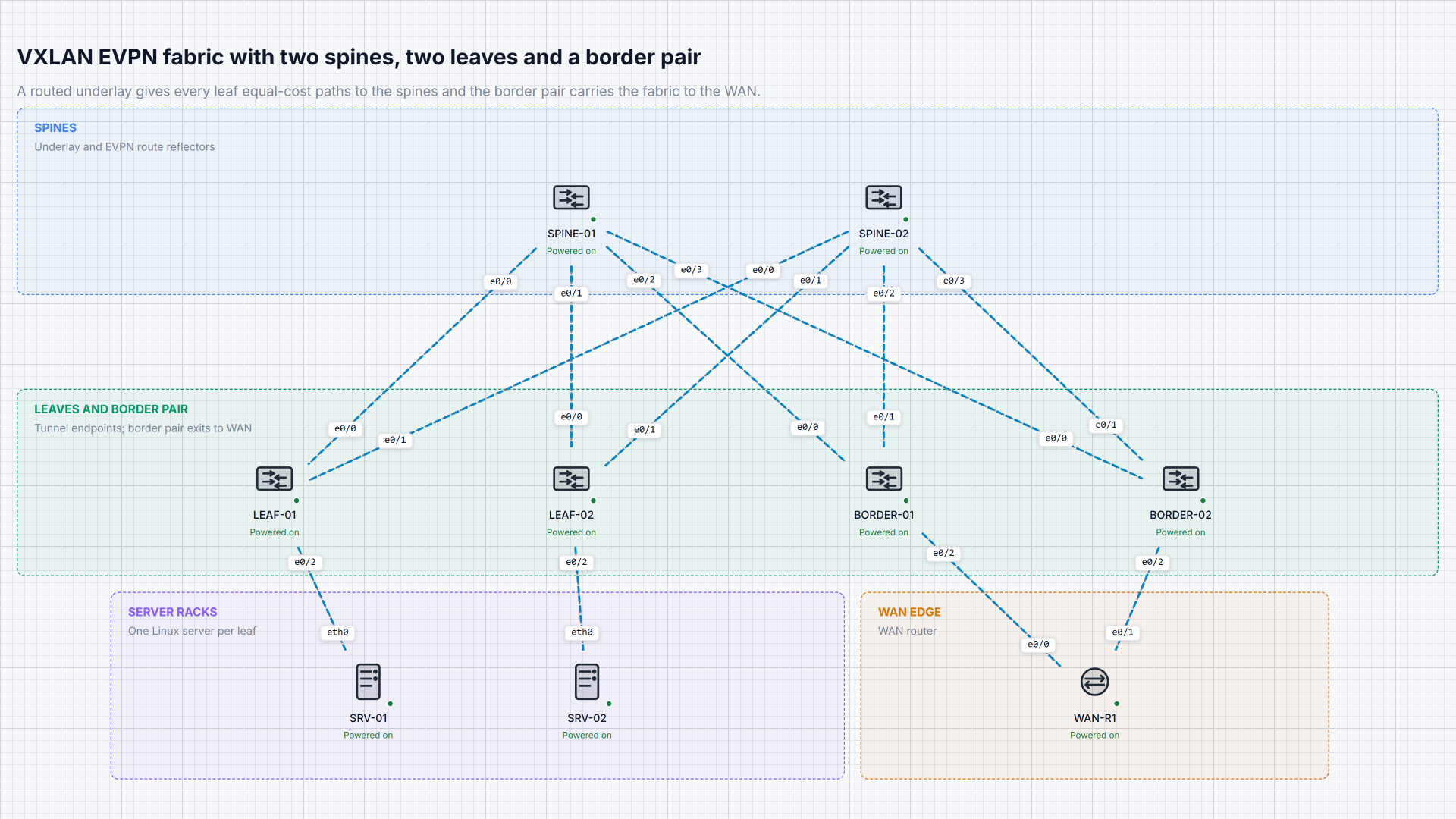
Power on. Click anything. You’re in.
Every console, desktop and shell opens right in your browser. Nothing to install. Capture any link, then reset the whole environment to first boot in one step.
Consoles
Import. Preview. Run.
Your EVE-NG, GNS3 and Packet Tracer topologies, exactly as you built them.